
How to use AI at work in your first week.
Your company just rolled out an AI tool. Or your team is finally using one. Here's what to actually do this week to get value out of it — without the buzzword overload.
Your company gave you access to an AI tool. Maybe Claude, maybe ChatGPT, maybe Microsoft Copilot. Now what? The instruction manuals all read like marketing copy. The internal training session was vague. You'd just like to know what to do this Monday morning that will save you time by Friday.
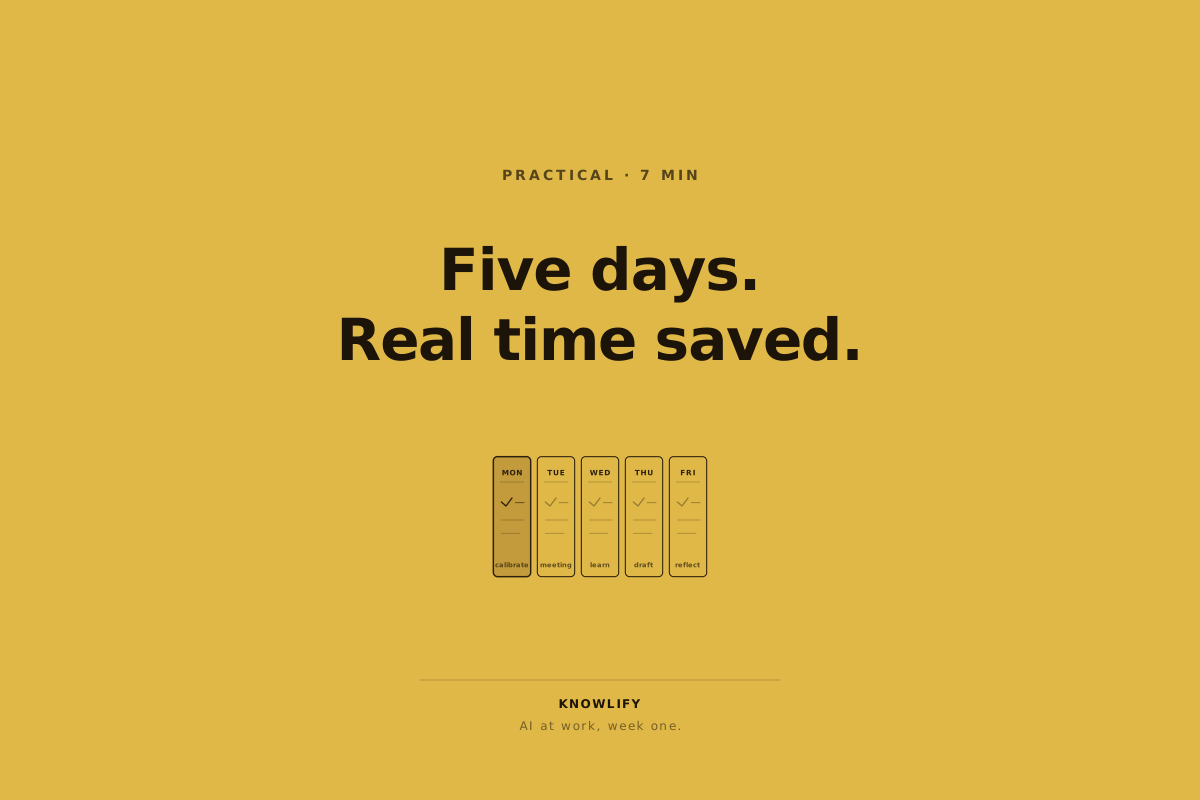
Here's a practical, five-day plan. No buzzwords. No "leveraging synergies".
Day 1: Do one boring task with it
Pick a task you do every day that you've been meaning to automate or speed up. Maybe writing weekly status updates. Maybe summarizing long Slack threads. Maybe drafting routine emails.
Do that task as you normally would. Then ask the AI to do it. Compare.
The goal today isn't to be impressed. The goal is to calibrate. You're learning what the tool is and isn't good at, on a task you understand well. If it does the task perfectly, great — you've just freed up an hour a week. If it does the task badly, you've learned the tool's edges, which is more valuable than another five demo videos.
Day 2: Try it on a meeting note
After your next meeting, paste the transcript (or even just your own messy notes) into the AI and ask: "Summarize the decisions made and the action items, with owners and due dates."
This task is in the sweet spot of where AI works well: structured output from messy input. Within 30 seconds you have a clean summary you can paste into Slack.
This is one of those moments where most people go "oh". The thing it saves you isn't typing — it's the 10 minutes of squinting at your own notes trying to remember what you agreed to do.
Day 3: Use it on something you don't know
Pick a topic that's adjacent to your job but you've never properly learned. Maybe SQL if you're in marketing. Maybe basic financial modeling if you're an engineer. Maybe how your company's billing system works.
Ask the AI to explain it to you "like I'm smart but I haven't worked with this before". Then ask follow-up questions until you understand it.
This is the underrated AI workflow. It's like having a patient expert on call. The thing you learn this way will compound for the rest of your career.
The AI's best use case isn't doing your job. It's helping you understand the parts of your job you never had time to learn. A patient expert on call. Use it that way and the compounding starts immediately.
Day 4: Write something you'd normally avoid
Got an email you've been putting off? A document you keep deferring? A spec you've half-started three times?
Open the AI. Tell it the situation in two sentences. Ask it to draft the email or document.
Don't send the AI's output as-is. Read it. Notice what's right, what's not your voice, what's missing. Edit it. Often you'll find that the AI's draft gives you exactly enough structure to finish the thing yourself in five minutes.
This is the "blank page tax" gone. The hardest 20% of writing is starting. The AI gives you a start.
Day 5: Reflect honestly
End of the week. Open a note (or ask the AI to help) and write down:
- The two tasks where it saved real time
- The one task where it was actively unhelpful
- The one thing you tried that didn't quite work but seems promising
For most people, the answer to "how should I use AI at work" emerges from this list. The pattern is rarely "I'll use it for everything". It's usually "I'll use it for these three specific things, daily, and ignore the rest".
That focused list will save you more time than any breadth of casual use.
What not to do this week
A few traps to skip.
Don't try to use it for everything at once. You'll exhaust yourself and get inconsistent results.
Don't paste in anything confidential without checking your company's policy. (Most companies have one now. Read it.)
Don't blindly trust output, especially for facts. Verify anything that matters.
Don't tell your team you're "using AI" without specifics. "I'm using Claude to draft my status updates" lands better than "I'm AI-augmenting my workflow".
The math
If you give this five-day plan a real try, you'll typically end the week with 3 to 5 hours saved per week, going forward, for the same quality of work. That's 150 to 250 hours a year. About a month of working time.
You don't have to learn the whole AI ecosystem. You don't have to follow every product launch. You have to find your two or three repeat tasks where AI plays well, and use it on those tasks consistently.
That's the whole game in week one. The rest is just refinement.